Chat never builds code.
You plan. You decide. You build.
Forge is the AI coding platform that plans before it builds — built by a CTO who got tired of watching AI tools wreck good ideas.
A conversation — not a form.
Describe your idea in plain English. Forge interviews you like a great product consultant would: what problem, for whom, what matters most? As you talk, it drafts and updates a structured plan in real time.
The output is a documented, buildable plan — and it happens in minutes, not weeks.
Each plan captures
- ✓Problem statement — what problem, for whom
- ✓Solution summary
- ✓Features sorted by priority — must-have vs nice-to-have
- ✓Data entities each feature needs
- ✓Integration notes — how it connects to what exists
- ✓Architecture brief — the patterns the build must follow
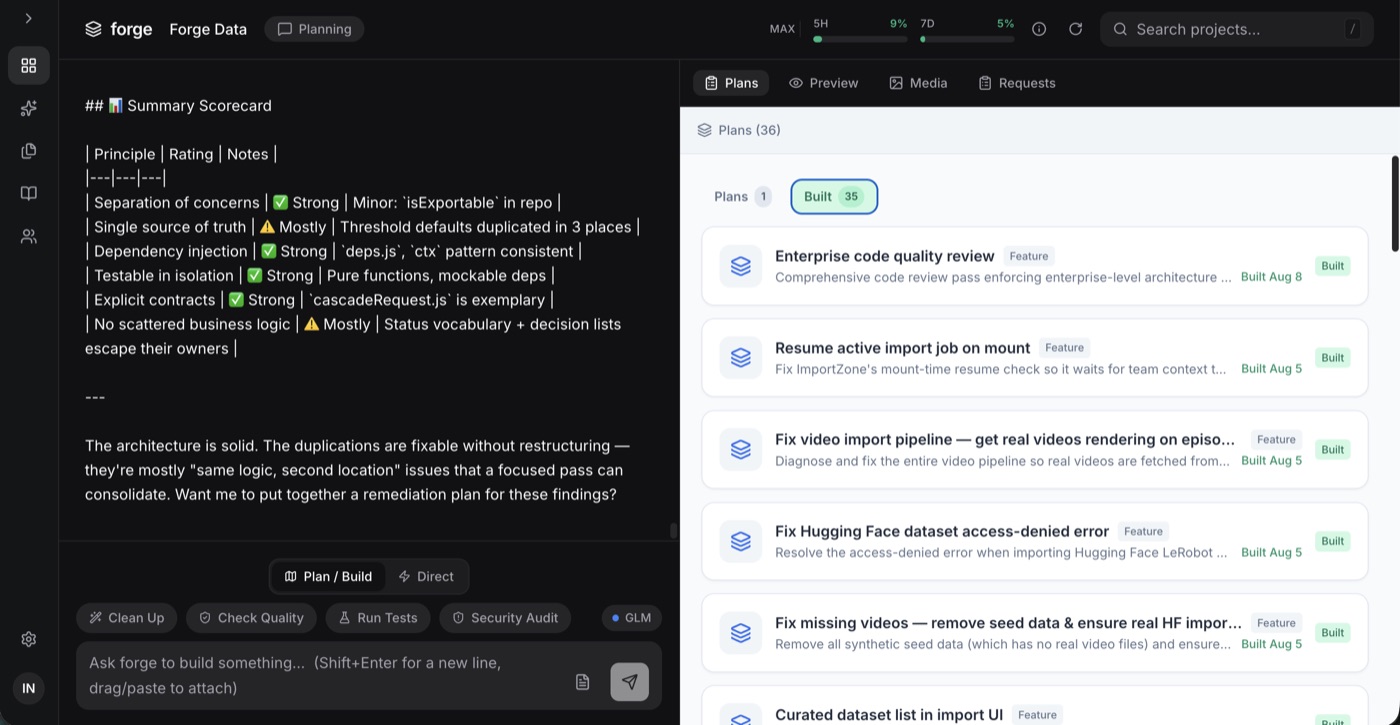
Core app shell, routing, episode data model, and base styling
Built Jul 12Diagnose and fix the entire video pipeline so real videos are fetched from Hugging Face datasets, stored, and rendered — no mocks, no fake data.
Built Jul 23Browse the episode catalog, open an episode, see metadata and player
Built Jul 15Scheduled pull from the HF dataset with local caching and change detection
Built Jul 18Per-stage pipeline status surfaced in-app — fetch, store, resolve, render
Built Jul 24Diagnose and fix the entire video pipeline so real videos are fetched from Hugging Face datasets, stored, and rendered on the episode page — no mocks, no fake data.
- ✓Audit and document current video pipeline
Trace every step: HF dataset fetch → what comes back (URL or file) → where it's stored → how the episode page retrieves it → how the video player consumes it. Document the actual data type at each hop.
- ✓Replace any mocked/fake video data with real HF fetch
Identify and remove all mock data, fake imports, or placeholder URLs. Ensure the code actually hits the real Hugging Face dataset API and pulls real video URLs or files.
- ✓Determine and implement correct video acquisition strategy
Hugging Face datasets can return either: (a) a direct downloadable video URL, or (b) a file blob that needs to be stored/served. Determine which the target dataset provides and implement the correct approach — download and store locally, or resolve and proxy the URL.
- ✓Verify video data reaches the episode page
Add logging/checks at each stage of the pipeline so it's provable that real video URLs/files propagate from fetch → storage → API → episode page. Surface errors visibly instead of silently failing.
- ✓Render video in working HTML5 video player
Episode page must use a proper <video> element or player that consumes the real video URL/blob and actually plays. Must handle the actual MIME type and format of the HF videos.
- ✓Error surfacing on episode page
If a video fails to load for any reason (network, missing, wrong format, empty dataset), show a clear error message with diagnostic detail on the episode page — no silent failures.
Represents a real video resolved from Hugging Face — tracks exactly what was fetched and where it lives
Per-stage status log proving data flows through the pipeline correctly or showing where it breaks
After 15 attempts, videos still do not populate or render on the episode page. The current pipeline is either using mocked/fake data or failing silently at some stage (fetch from HF → storage → URL resolution → video player rendering). The user needs to know exactly: does the system fetch a video URL or the actual video file? Where does it break? This plan delivers a fully working end-to-end real video pipeline with diagnostics.
CRITICAL CONTEXT: The user is extremely frustrated after 15 failed attempts. The root cause is unknown — could be any of: (1) code is using mock/placeholder data instead of real HF fetch, (2) HF dataset returns video file blobs that aren't being stored/served properly, (3) HF dataset returns URLs that are expiring or need auth, (4) video element on episode page has wrong source binding, (5) CORS issues preventing video load.
IMMEDIATE FIRST STEP: Audit the actual code path end-to-end. Read what the HF import code ACTUALLY does — is it calling the real HF API or returning hardcoded fake data? Then check what format the videos come in (mp4? webm?) and whether the episode page video element receives a valid, playable URL.
KEY QUESTION TO ANSWER IN CODE: Does the HF dataset provide a downloadable URL for each video, or does it provide raw file bytes? This determines the entire storage/serving strategy.
Do NOT add more features until the basic pipeline is proven working with diagnostics visible.
Map an entire app in an afternoon. Review it like a board deck. Then — and only then — commit to building.
See it working
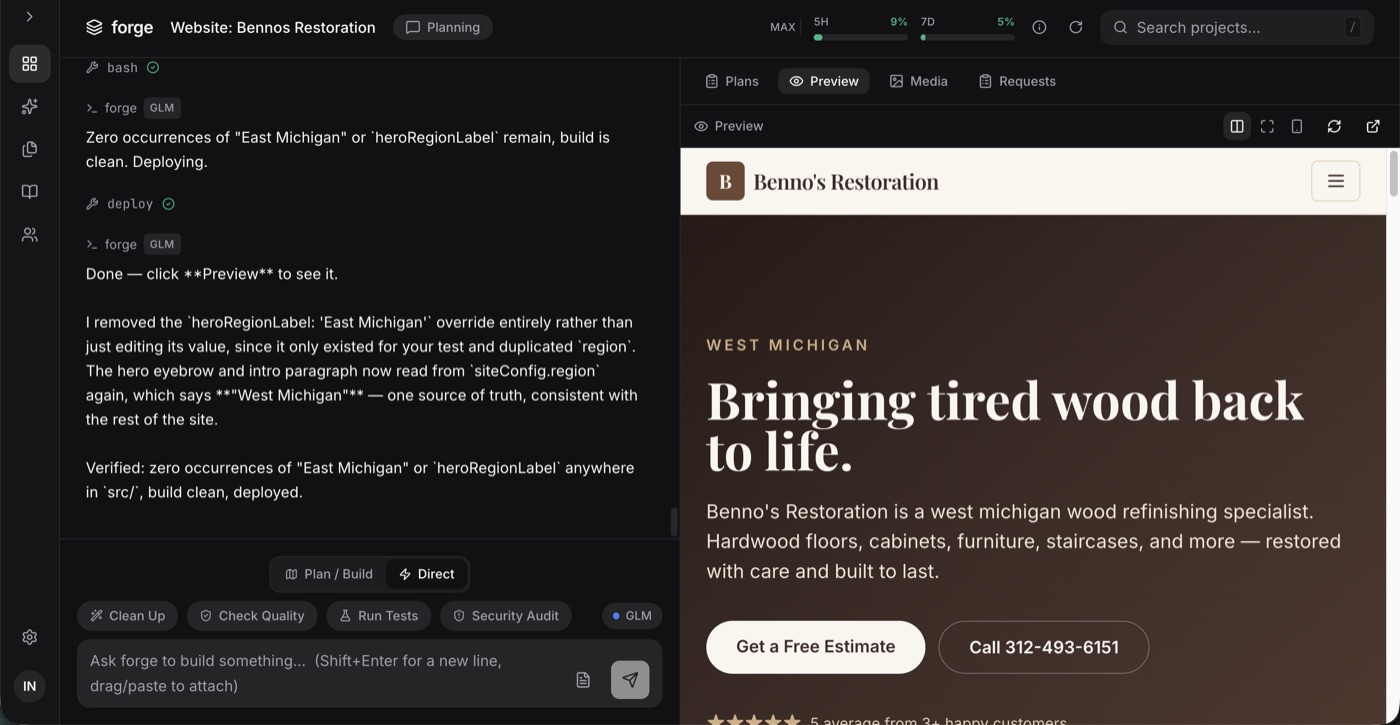
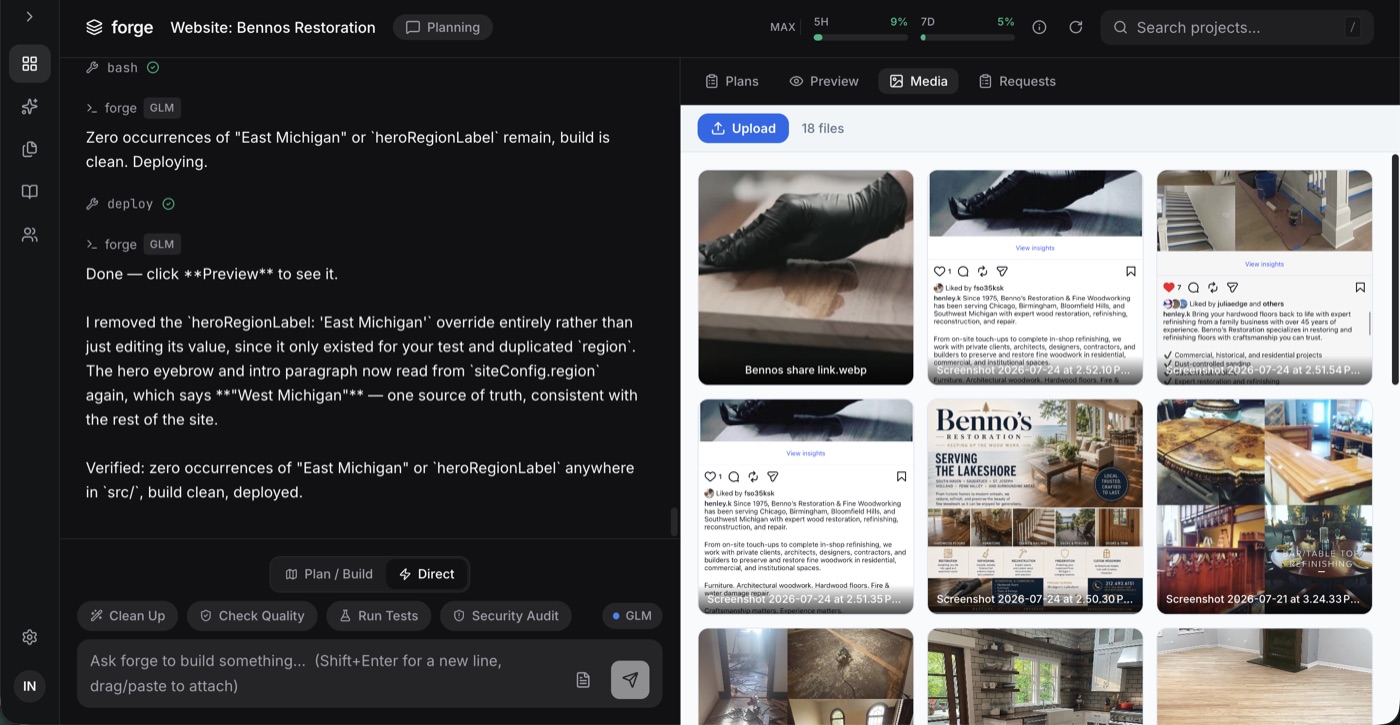
One workspace: your plans, your builds, your live app preview, your stakeholder requests — all in one place.
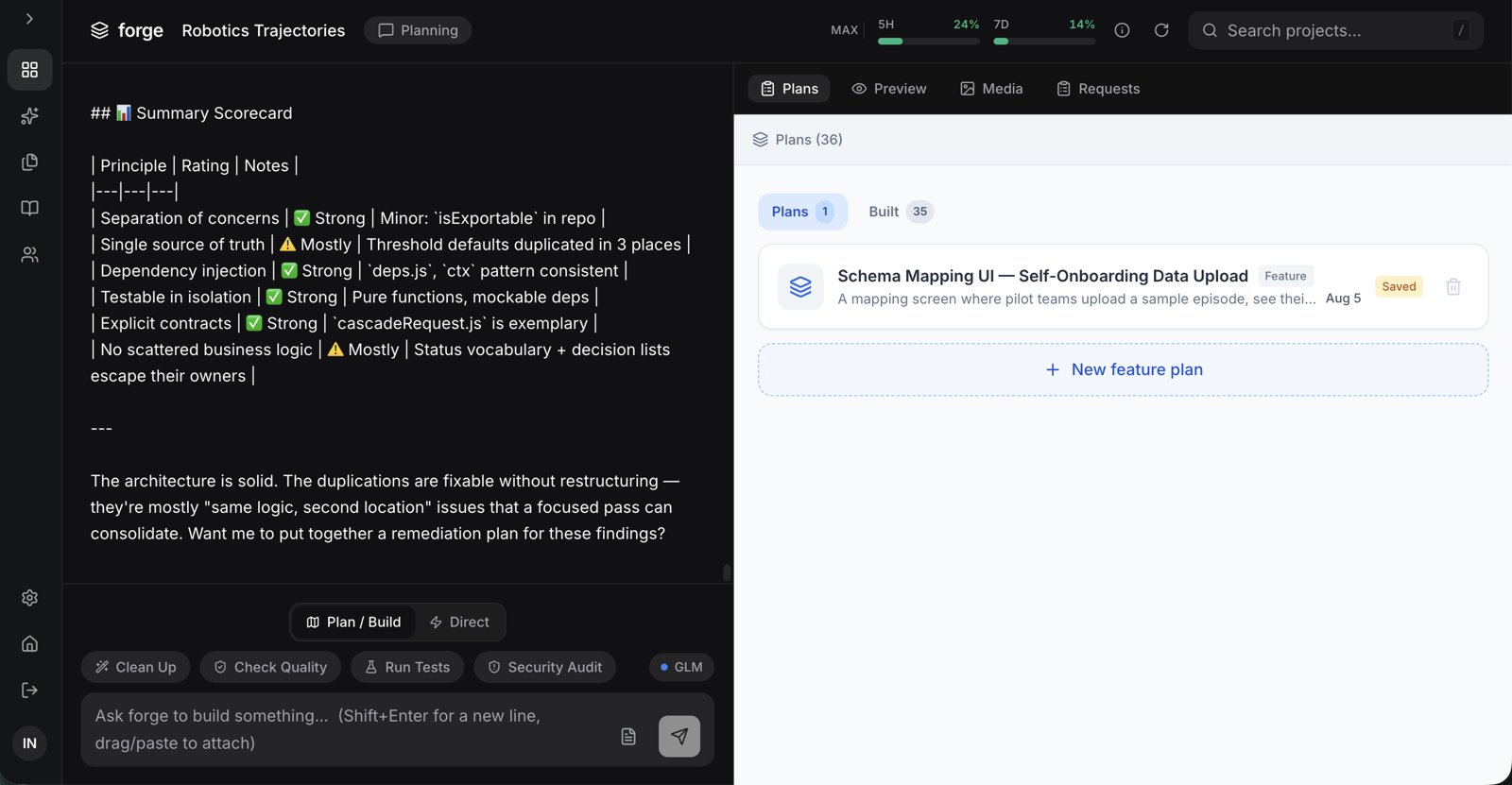
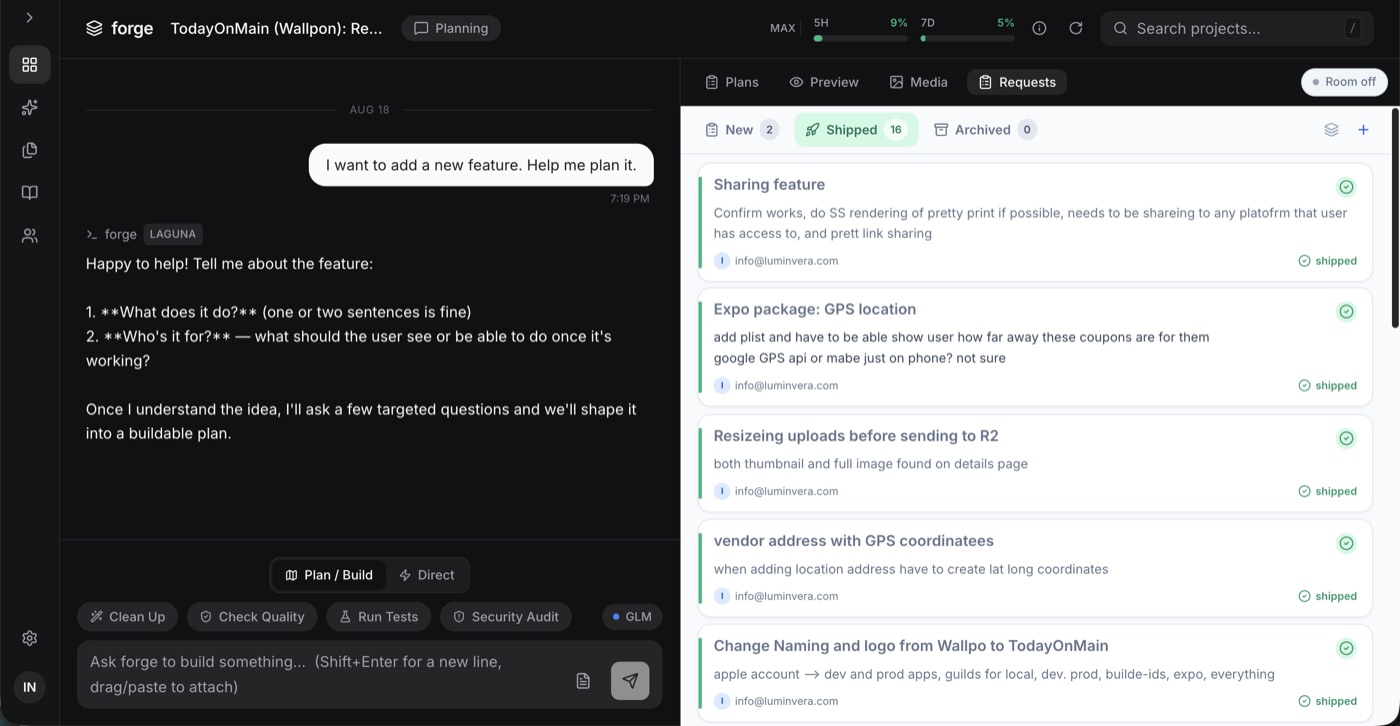
Direct software — without becoming an engineer.
You have real ideas for your company. You don't need to become a developer, and you don't need to wait on a dev team to find out if an idea has legs.
Focus your idea
Guided sessions turn a rough idea into a documented, buildable plan.
Build it fast
Forge's guardrails mean your prototype actually works — no drift, no fake APIs.
Know what to do next
Keep building, or hand a clean plan to a professional team. Either way, you're in command.
Prefer a human? Book a discovery call — an intensive guided first month with live group sessions, then ongoing access and support.
AI leverage without the drift tax.
You already know architecture. You want automation that respects it — on production codebases.
Plan-first builds
Multi-page plans with explicit instructions on features, APIs, state, data formats, and UI.
Architecture-aware
Pre-build codebase review, self-correcting verification, one-click cleanup, tests, and security reviews. Your 30th feature stays as clean as your 3rd.
BYOK
Bring your own z.ai coding subscription. Straight monthly access — no hand-holding required.
Plan. Iterate. Build. Verify.
The only way code gets written in Forge is an explicit, human Build click. The AI can't wander off-script — there is no script-free mode.
Plan
Describe your idea in plain English. Forge interviews you and drafts a structured plan — in real time.
Iterate
Challenge it, refine it, reorder it. Plan after plan until you're genuinely satisfied. Nothing builds until you say so.
Build
You click Build. Forge reviews your existing codebase, then executes the plan one deliberate step at a time.
Verify
Every build is checked against the plan and your architecture — anything that's off gets self-corrected. One-click actions handle cleanup, tests, and security reviews.
Software Built With Forge
Not demos. Every one of these shipped to production — apps on the App Store, platforms managing thousands of devices, live marketplaces.
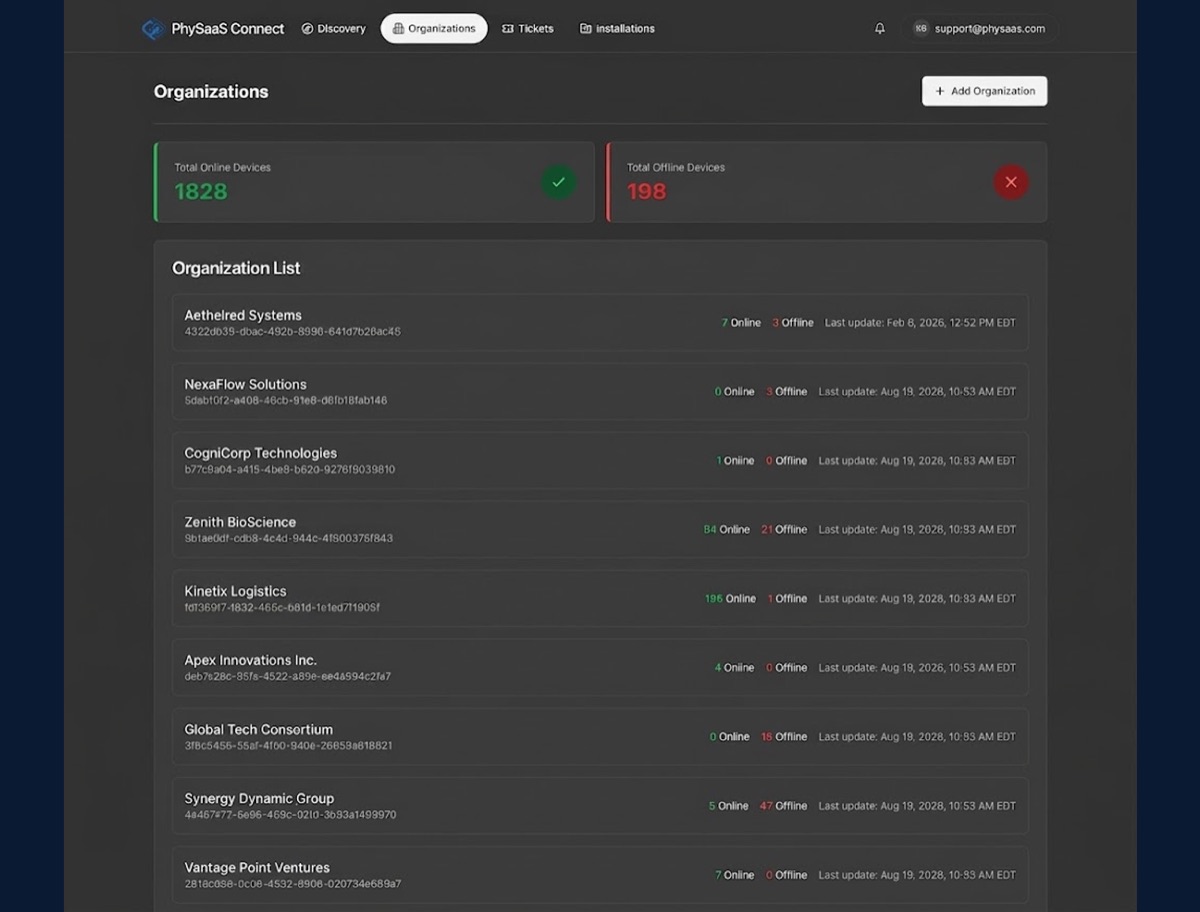 ⚡ CLI
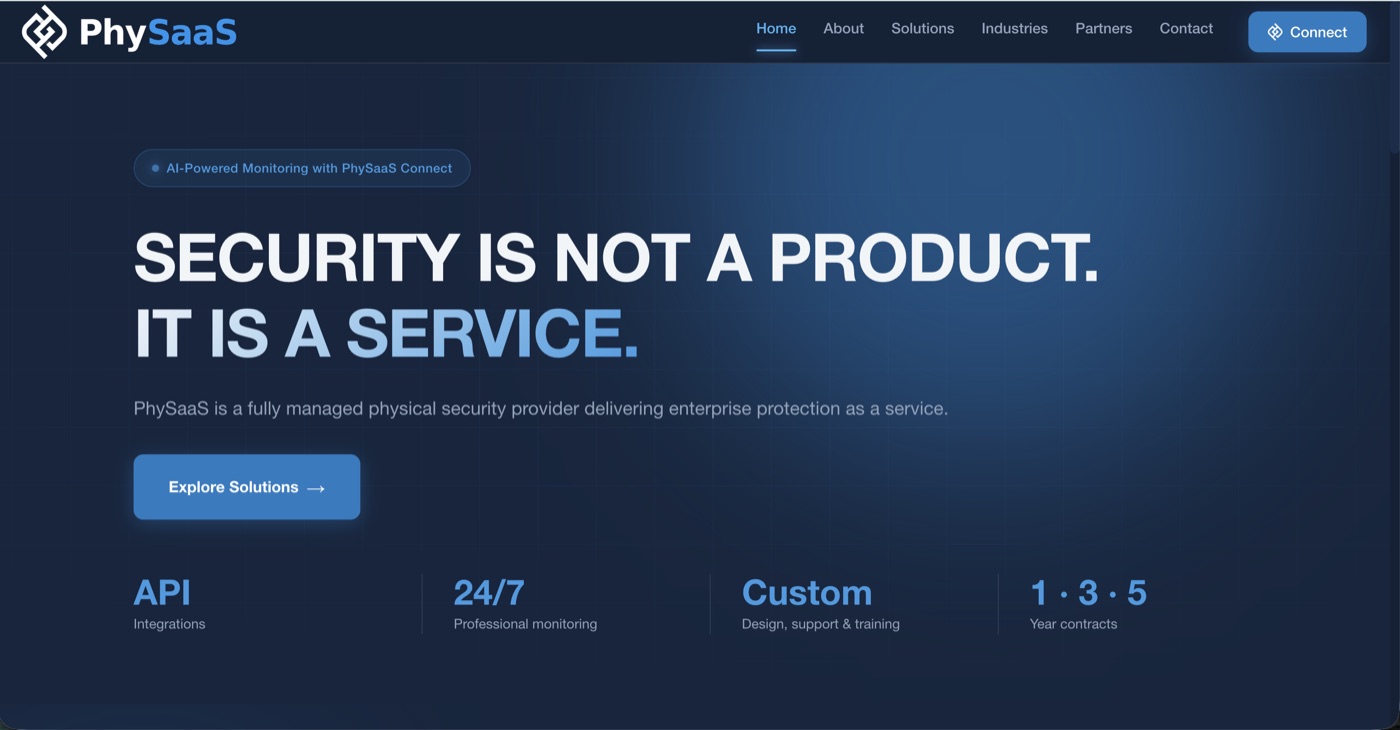
⚡ CLI PhySaaS
Security-as-a-Service platform — 3,500+ devices
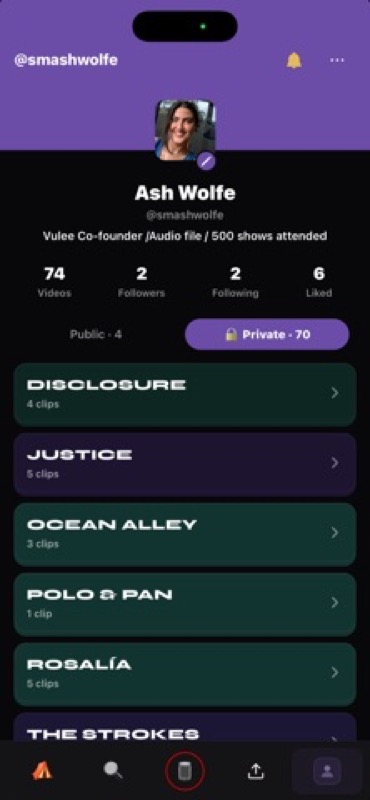 ⚡ CLI + Cloud
 Vulee
Concert memories app — live on the App Store
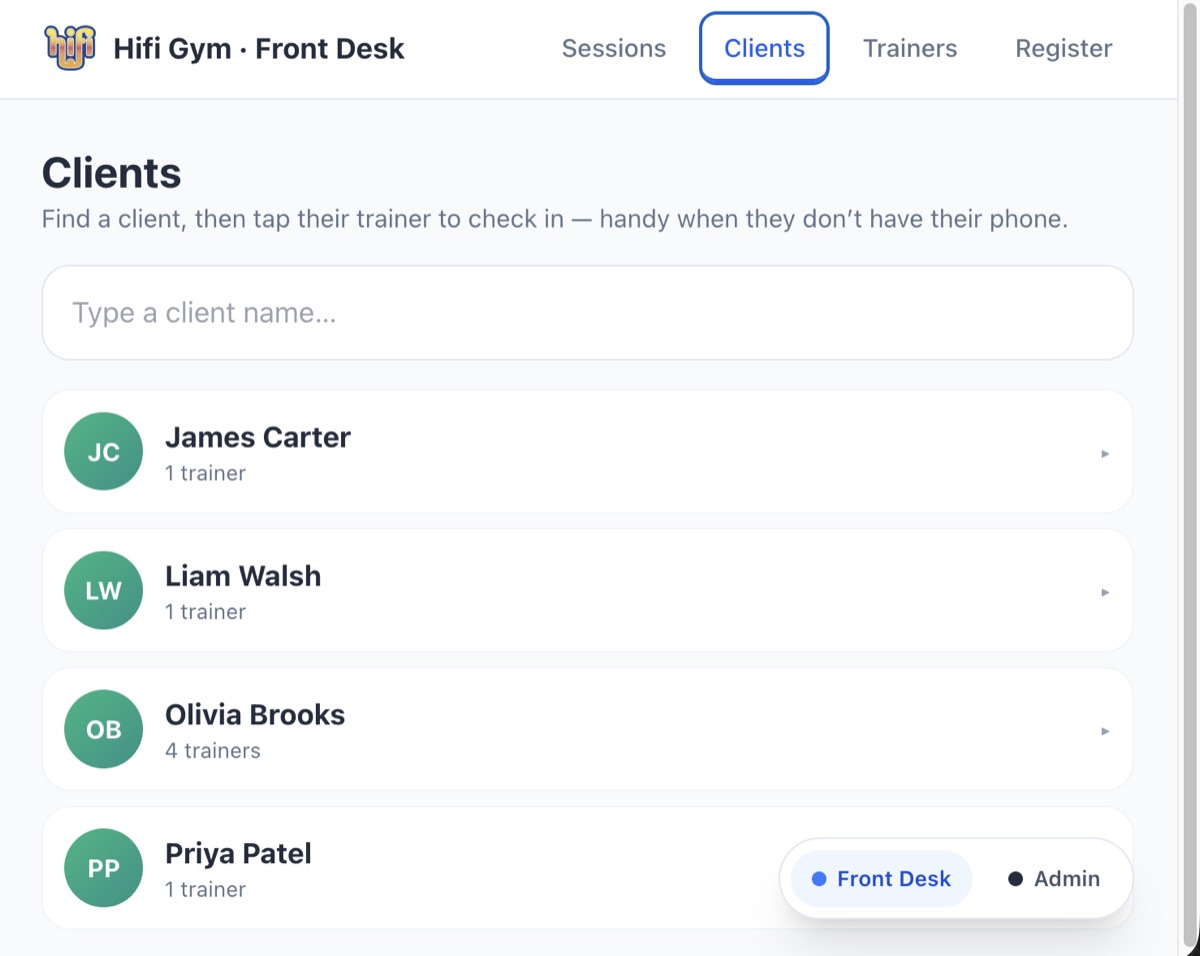 ⚡ CLI + Cloud
 Hifi Front Desk
QR check-in + live dashboard for gyms
 ⚡ CLI + Cloud
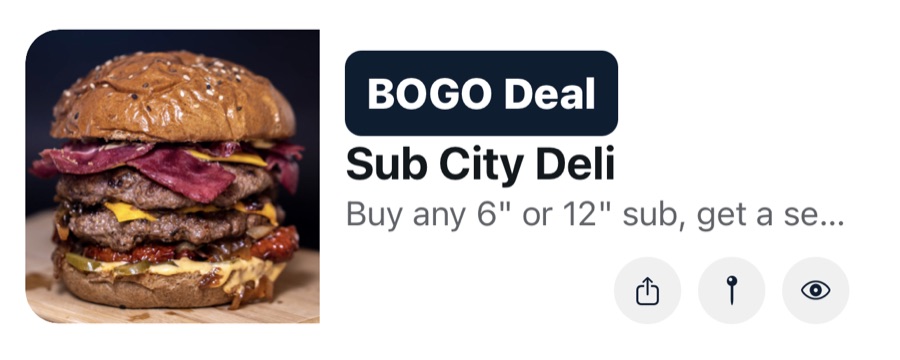
 Today on Main
The digital Main Street — launching Sept 1
 ⚡ Cloud
 Website Rescue
3 weeks stuck → shipped in days
 ⚡ Cloud
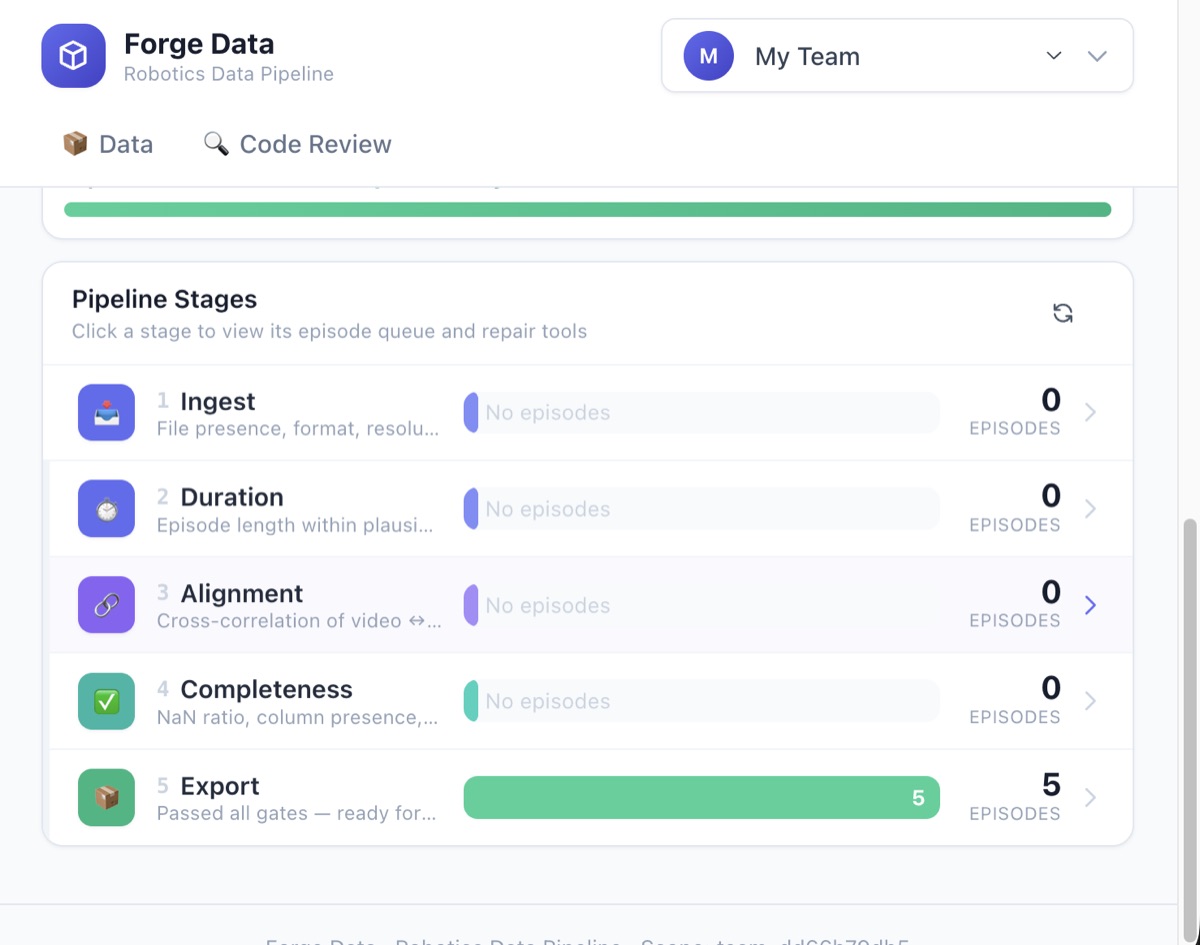
 Robotics QA
Automated trajectory analysis pipeline
Built by a CTO, not a demo team.
Forge was built by Rodman Henley — a CTO and senior engineer who has shipped production systems for years and watched every AI coding tool make the same six mistakes. Forge is what AI coding looks like when someone who ships for a living designs the guardrails.
Request Access — Discovery CallAlready know you want in? Open Forge ↗ — the product lives at forge.luminvera.com.